Sign in to unlock valuable content and features from our AI-driven platform. Receive timely technology updates and the latest information from the solution providers who can help you realize your goals.
Start your journey by entering your name and email address below:
Please confirm your email address!
We are going to send a confirmation email to your email address to let you receive timely technology updates and the latest information from the solution providers who can help you realize your goals.
Initializing
Loading
What are Microsoft 365 Copilot agents and how to use them | Microsoft
Keeping work moving often means juggling data, tools, and tasks across multiple roles. This Microsoft video shows how Microsoft 365 Copilot agents act as expert assistants, helping teams streamline repetitive work and gain insights using the data they already rely on. Watch the video to see how agents support functions like finance, HR, and marketing.
Frequently Asked Questions
What are Microsoft 365 Copilot agents?
Microsoft 365 Copilot agents are specialized, pre-built AI assistants that help you and your team handle specific tasks inside the Microsoft 365 environment.
You can think of them as focused helpers that:
- Work directly with your existing data, such as emails, documents, meetings, and websites
- Support common business functions like finance, HR, and marketing
- Help you move from manual, repetitive work to more automated, guided workflows
Instead of being a general chatbot, each agent is oriented around a particular type of work. That focus makes it easier to apply them to real business scenarios and integrate them into your existing processes.
How do Microsoft 365 Copilot agents work with my data?
Microsoft 365 Copilot agents are designed to work within the data you already use every day in Microsoft 365. According to the overview, they can draw on:
- Emails
- Documents
- Meetings
- Websites
The agents use this information to:
- Understand the context of your tasks
- Automate steps that would otherwise be manual
- Surface insights and recommendations you can act on
For example, an agent can review relevant emails and documents to help you prepare for a meeting, or pull information from internal sites and files to support a specific workflow. The goal is to keep you working in your usual tools while the agent handles the heavy lifting in the background.
How can different teams use Microsoft 365 Copilot agents?
Microsoft 365 Copilot agents are built to support a range of business functions. The tutorial highlights several use cases:
- Finance: A finance-focused agent can help automate recurring tasks such as pulling data from spreadsheets and documents, preparing summaries, or organizing information for reviews.
- HR: An HR agent can assist with tasks like drafting communications, organizing information from documents and emails, or helping track key HR activities.
- Marketing and other teams: Marketing and other business teams can use agents to streamline repetitive work, coordinate information from multiple sources, and generate actionable insights from existing content.
Across these areas, the main benefit is to automate routine steps so teams can focus more on analysis, decision-making, and higher-value work. The video’s structure—from introduction and getting started, to how agents work and specific finance and HR examples—shows how you can move from basic understanding to applying agents across different teams.
"His methodical and personable approaches have always held him in the highest regard with his customers whom I know. Both when working alongside one another, and on a reciprocal basis. A truly nice guy who will always go the extra mile regardless of reward, without a doubt the most selfless referral partner anyone could hope to know."
Jeff
Manager
"I have known and worked with Bill for over 2 years. We have collaborated on a number of projects together and I can honestly say that his creativity, planning and implementation around Avaya and its implementation has always impressed me. He has a fantastic method of engaging anyone who works with him by using clear and concise language and always states a very consistent & clear vision. "
Our all-in-one cloud phone system connects your entire company. Everyone, anywhere, on any screen, is ready for business on Avaya Cloud Office.
Video meetings: HD quality audio and video conferencing, screen sharing and more. Messaging: Team messaging that’s perfect for collaboration with file sharing & more. Phone: A robust & reliable business phone system, including business SMS and call management.
Call
A cloud-based phone system that works the same in the office, on the go, or from home. HD-quality voice calls connecting your business like never before.
Chat
Connect with your team across the hall or across the globe, send 1:1 messages, have group chats, or use SMS – an all-in-one app on almost any device you use.
Meet
Effortlessly move from the chat environment to a full-scale video meeting room for face-to-face wherever you are.
Collaborate
Share files, swap ideas, complete tasks, track your meetings – all the items that make your personal workflow, your teams, and your business run smoothly all in one.
Fax
Send and receive unlimited faxes on most plans with mobile internet faxing.
Get Started Today
Ready to order? Get in touch with an Avaya Sales Representative today
Unlimited phone calls
Toll-free or local numbers
10000 toll-free minutes per month
Voicemail-to-text
Unlimited audio meetings
Unlimited video conferencing with up to 200 participants
"I have known and worked with Bill for over 2 years. We have collaborated on a number of projects together and I can honestly say that his creativity, planning and implementation around Avaya and its implementation has always impressed me. He has a fantastic method of engaging anyone who works with him by using clear and concise language and always states a very consistent & clear vision."
Michelle
Founder
"I have known Bill for 3 years and cannot recommend him highly enough to potential clients, investors, or business partners. Bill is a committed and driven professional with a keen eye for detail and the ability to form excellent working relationships. I would thoroughly recommend working with him whether as a client or business partner."
Michael
CEO
"His methodical and personable approaches have always held him in the highest regard with his customers whom I know. Both when working alongside one another, and on a reciprocal basis. A truly nice guy who will always go the extra mile regardless of reward, without a doubt the most selfless referral partner anyone could hope to know."
Jeff
Manager
"Bill mentored me and gave me some great advice on how to take my business using Avaya. Thanks to Bill my business has grown and evolved in a way I would never have considered. His advice was invaluable. I highly recommend him!"
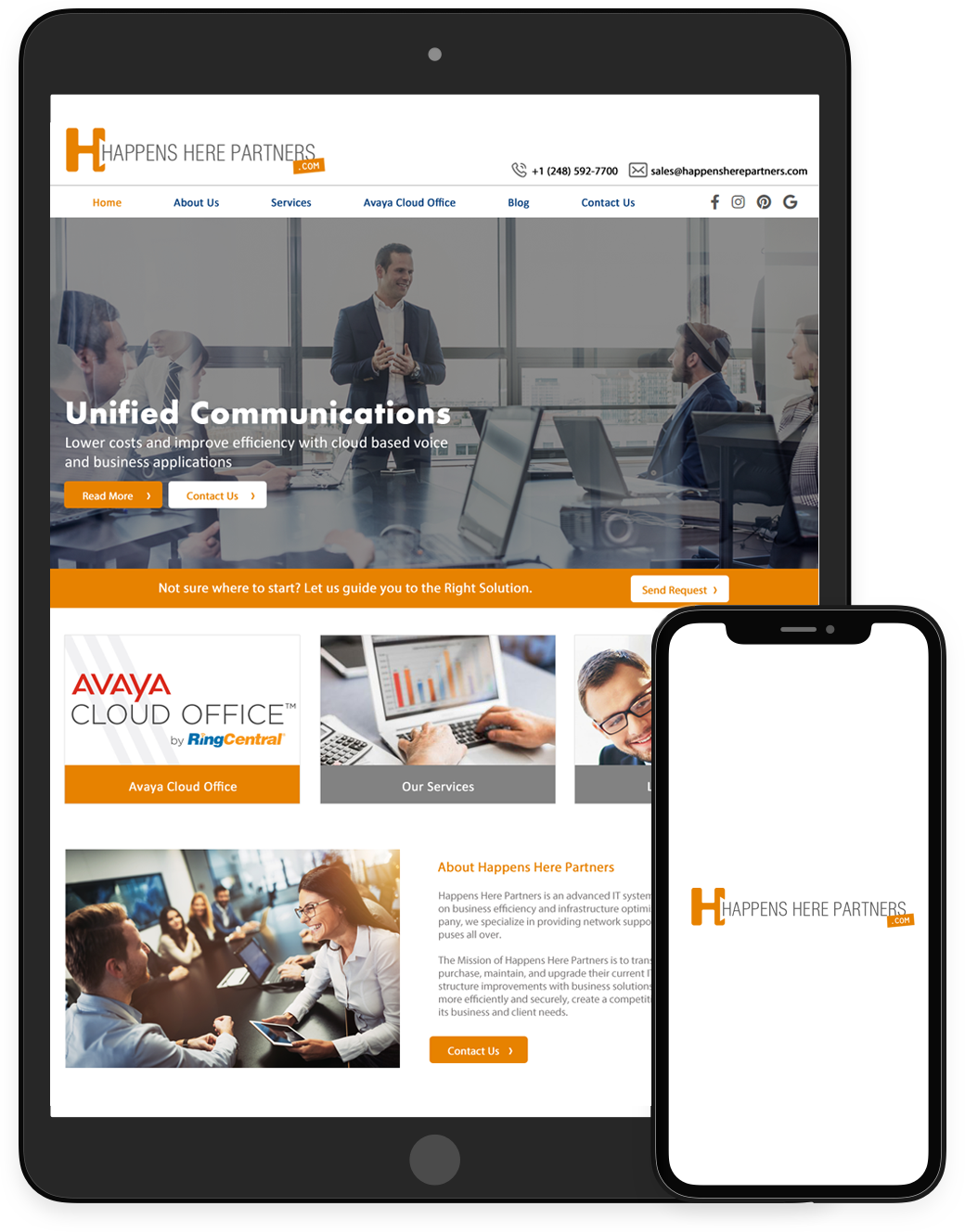
Happens Here Partners is an advanced IT systems integration company focused on business efficiency and infrastructure optimization. As a fully engaged company, we specialize in providing network support services to businesses and campuses all over.
The Mission of Happens Here Partners is to transform the way in which companies purchase, maintain, and upgrade their current IT equipment and provide IT infrastructure improvements with business solutions which help organizations run more efficiently and securely, create a competitive advantage, and scale to serve its business and client needs.
.png "Happens Here Partners")



 Sign in with LinkedIn