Sign in using your Google, Microsoft, or LinkedIn account to unlock valuable content and features on this site. With your sign in, Happens Here Partners collects your name and email address to send you timely updates and the latest information about our products and services. You may opt-out at any time.
Authentication is completed directly by Google, Microsoft, or LinkedIn. Happens Here Partners does not receive your password; it receives only the profile information authorized at sign-in.
HAPPENS HERE PARTNERS LLC is ready to help!
Start your journey by entering your name and email address below:
Please confirm your email address!
We are going to send a confirmation email to your email address to let you receive timely technology updates and the latest information from the solution providers who can help you realize your goals.
Initializing
Loading
How to set up the HP EliteBoard G1a Next Gen AI PC
See how fast a new AI PC can be ready for work. This demo video walks through first-time setup on the HP EliteBoard G1a Next Gen AI PC, powered by AMD, covering initial configuration and the steps that get the device into a user's hands. Watch the video to see the EliteBoard G1a setup process end-to-end.
Frequently Asked Questions
What comes in the box with the HP EliteBoard G1a Next Gen AI PC?
When you unbox the HP EliteBoard G1a Next Gen AI PC, you can expect a straightforward set of standard components plus several optional accessories you may choose to add.
Included as standard:
The HP EliteBoard G1a Next Gen AI PC
A mouse
A 40 Gbps USB-C cable for high-speed connectivity
Shown in the video but sold separately (optional accessories):
Protective sleeve
USB-C power cable
USB-C power adapter
HDMI hub
USB-C to USB-A adapter
USB-C to DisplayPort adapter
These optional accessories help you reimagine how you connect the EliteBoard to different displays and peripherals, but they are not required for basic setup.
What are my main options for connecting and powering the EliteBoard G1a?
The setup video walks through three main configuration scenarios for the HP EliteBoard G1a Next Gen AI PC. You can choose the one that best fits your workspace and devices:
Direct connect via USB-C Power Delivery (PD)
Use the included 40 Gbps USB-C cable to connect the EliteBoard directly to a compatible monitor or device that supports USB-C Power Delivery. This can handle power, data, and video over a single cable, helping you simplify your desk setup.
Connect via a docking station
If you use multiple peripherals (keyboard, mouse, external drives, wired network, multiple displays), a USB-C docking station can centralize all connections. The EliteBoard connects to the dock with one USB-C cable, and the dock connects to everything else.
Connect via the HP Universal USB-C MultiPort Hub
The HP Universal USB-C MultiPort Hub is another way to expand ports when you need more flexibility than a direct USB-C connection but don’t require a full docking station. It’s useful for adding HDMI, USB-A, and other ports through a single USB-C connection.
All three options are designed to help you reshape your workspace around a single compact AI PC, depending on how many external devices and displays you use.
Where can I get help if I run into setup issues?
HP provides several support channels if you need help setting up your EliteBoard G1a Next Gen AI PC:
How-to video: The setup video specifically covers unboxing and three connection scenarios (direct USB-C PD, docking station, and HP Universal USB-C MultiPort Hub) for the EliteBoard G1a.
Online support center: Visit hp.com/support for documentation, drivers, and troubleshooting guides tailored to your device.
Virtual Agent (step-by-step guidance): Use HP’s Virtual Agent at virtualagent.hpcloud.hp.com for interactive, step-by-step help with common setup and configuration questions.
Support forum: Join the community at hp.care/SupportForums to see how other users have approached similar setup scenarios.
Social channels: HP Support is active on Facebook, X, Instagram, and LinkedIn, where you can follow updates and find additional tips and links to resources.
These options are designed to help you reimagine support as an ongoing resource, from initial unboxing through everyday use of your AI PC.
"His methodical and personable approaches have always held him in the highest regard with his customers whom I know. Both when working alongside one another, and on a reciprocal basis. A truly nice guy who will always go the extra mile regardless of reward, without a doubt the most selfless referral partner anyone could hope to know."
Jeff
Manager
"I have known and worked with Bill for over 2 years. We have collaborated on a number of projects together and I can honestly say that his creativity, planning and implementation around Avaya and its implementation has always impressed me. He has a fantastic method of engaging anyone who works with him by using clear and concise language and always states a very consistent & clear vision. "
Our all-in-one cloud phone system connects your entire company. Everyone, anywhere, on any screen, is ready for business on Avaya Cloud Office.
Video meetings: HD quality audio and video conferencing, screen sharing and more. Messaging: Team messaging that’s perfect for collaboration with file sharing & more. Phone: A robust & reliable business phone system, including business SMS and call management.
Call
A cloud-based phone system that works the same in the office, on the go, or from home. HD-quality voice calls connecting your business like never before.
Chat
Connect with your team across the hall or across the globe, send 1:1 messages, have group chats, or use SMS – an all-in-one app on almost any device you use.
Meet
Effortlessly move from the chat environment to a full-scale video meeting room for face-to-face wherever you are.
Collaborate
Share files, swap ideas, complete tasks, track your meetings – all the items that make your personal workflow, your teams, and your business run smoothly all in one.
Fax
Send and receive unlimited faxes on most plans with mobile internet faxing.
Get Started Today
Ready to order? Get in touch with an Avaya Sales Representative today
Unlimited phone calls
Toll-free or local numbers
10000 toll-free minutes per month
Voicemail-to-text
Unlimited audio meetings
Unlimited video conferencing with up to 200 participants
"I have known and worked with Bill for over 2 years. We have collaborated on a number of projects together and I can honestly say that his creativity, planning and implementation around Avaya and its implementation has always impressed me. He has a fantastic method of engaging anyone who works with him by using clear and concise language and always states a very consistent & clear vision."
Michelle
Founder
"I have known Bill for 3 years and cannot recommend him highly enough to potential clients, investors, or business partners. Bill is a committed and driven professional with a keen eye for detail and the ability to form excellent working relationships. I would thoroughly recommend working with him whether as a client or business partner."
Michael
CEO
"His methodical and personable approaches have always held him in the highest regard with his customers whom I know. Both when working alongside one another, and on a reciprocal basis. A truly nice guy who will always go the extra mile regardless of reward, without a doubt the most selfless referral partner anyone could hope to know."
Jeff
Manager
"Bill mentored me and gave me some great advice on how to take my business using Avaya. Thanks to Bill my business has grown and evolved in a way I would never have considered. His advice was invaluable. I highly recommend him!"
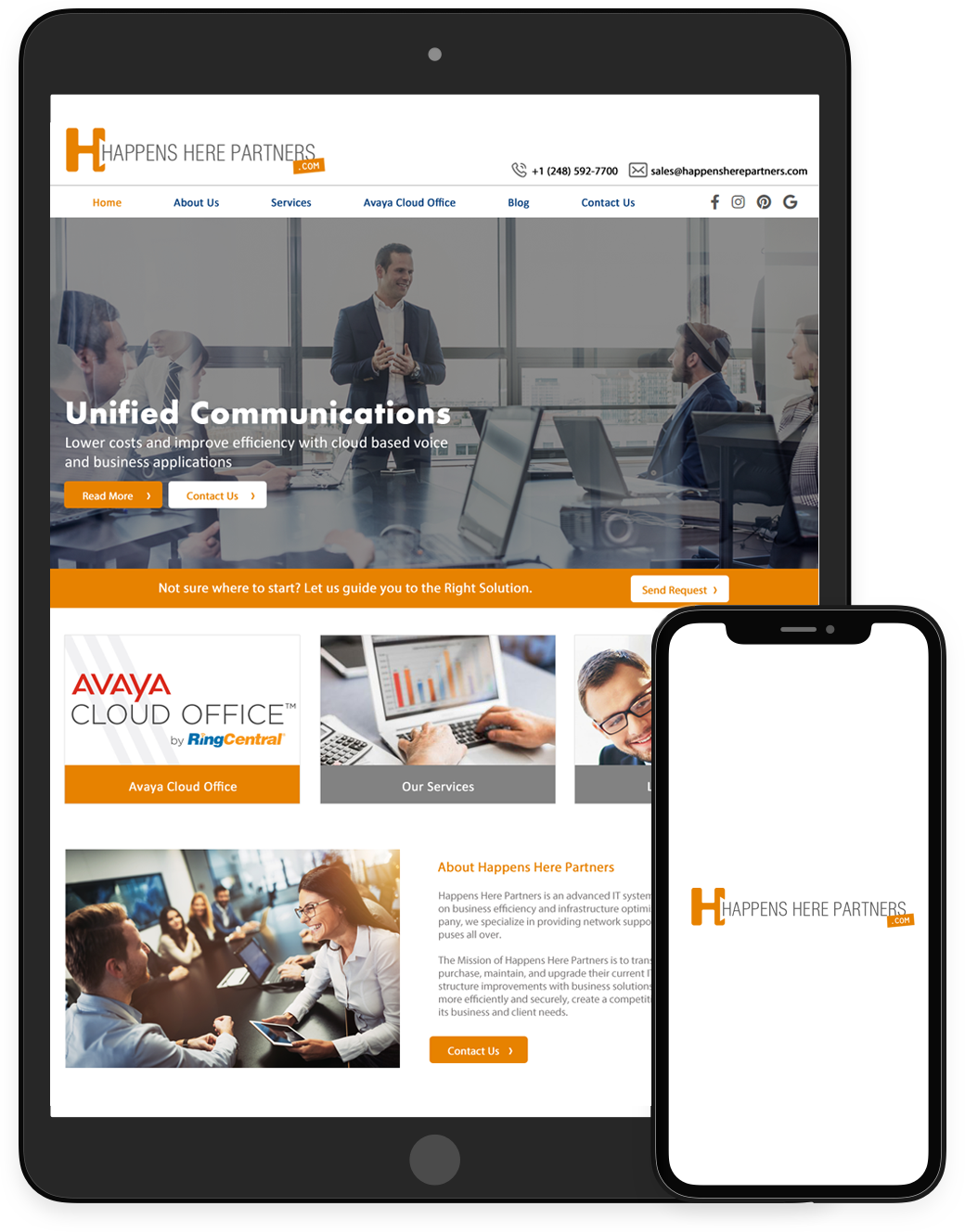
Happens Here Partners is an advanced IT systems integration company focused on business efficiency and infrastructure optimization. As a fully engaged company, we specialize in providing network support services to businesses and campuses all over.
The Mission of Happens Here Partners is to transform the way in which companies purchase, maintain, and upgrade their current IT equipment and provide IT infrastructure improvements with business solutions which help organizations run more efficiently and securely, create a competitive advantage, and scale to serve its business and client needs.
.png "Happens Here Partners")



 Sign in with LinkedIn