Sign in using your Google, Microsoft, or LinkedIn account to unlock valuable content and features on this site. With your sign in, Happens Here Partners collects your name and email address to send you timely updates and the latest information about our products and services. You may opt-out at any time.
Authentication is completed directly by Google, Microsoft, or LinkedIn. Happens Here Partners does not receive your password; it receives only the profile information authorized at sign-in.
HAPPENS HERE PARTNERS LLC is ready to help!
Start your journey by entering your name and email address below:
Please confirm your email address!
We are going to send a confirmation email to your email address to let you receive timely technology updates and the latest information from the solution providers who can help you realize your goals.
Initializing
Loading
Click to Do
Your teams move quickly, and small inefficiencies can slow momentum. This demo video shows how Click to Do on Copilot+ PCs analyzes what's on screen so you can select text or images and take action instantly. Watch the video to see how this AI feature can simplify everyday tasks and help your employees move faster.
Frequently Asked Questions
What is Click to Do on Copilot+ PCs?
Click to Do is an AI-powered feature built into Copilot+ PCs that helps employees turn what they’re looking at into immediate action. Instead of jumping between multiple apps, they can stay focused on the task in front of them and let Click to Do handle the next step.
When someone highlights text or an image on their screen, Click to Do surfaces intelligent suggestions based on what they selected. It works across different apps and ties in with Microsoft 365 Copilot, so common follow-up tasks—like drafting content, scheduling meetings, or searching visually—can be triggered in just a couple of clicks.
The result is less context switching, fewer manual steps, and a smoother flow of work, which can save time and improve day-to-day satisfaction for your team.
How do employees use Click to Do in their daily work?
Employees can activate Click to Do by pressing the Windows key and clicking with their mouse. From there, they simply highlight the content they want to act on—text or images—and Click to Do offers relevant options.
Here are a few everyday scenarios:
1. **Scheduling a Teams meeting from an email address**
If someone receives an email with a participant’s address and wants to set up a meeting, they can just highlight the email address. Click to Do will offer an option to create a Teams calendar invite, without needing to open multiple apps or copy-paste details.
2. **Revising content from a PDF or another app in Word**
When an employee wants to update or refine text that lives in a PDF or another application, they can select the text and use Click to Do to open it directly in Word. From there, they can edit, format, and collaborate as usual.
3. **Working with images more efficiently**
For images, Click to Do can suggest actions like copying the image, opening it in Photos, blurring the background, or running a visual search with Bing. This helps employees quickly move from viewing an image to editing or researching it.
These small, repeated time-savers add up, helping your team reimagine how they move from insight to action throughout the day.
What productivity benefits does Click to Do offer?
Click to Do is designed to streamline everyday workflows by reducing the number of steps between seeing something on screen and acting on it.
Key benefits include:
1. **Less context switching**
Employees don’t have to constantly move between apps to complete simple follow-up tasks. They can highlight what matters and let Click to Do surface the next best action.
2. **Time savings on routine tasks**
Common actions—like scheduling a Teams meeting from an email address, opening selected text in Word for revision, or quickly editing an image—can be done directly from the current screen. Over time, this can reshape how long routine tasks take and free up more time for higher-value work.
3. **More consistent flow of work**
By keeping employees in the flow instead of interrupting them with app switching and manual steps, Click to Do supports a smoother, more focused work experience.
4. **Improved satisfaction with everyday tools**
When routine actions feel easier and more intuitive, employees are more likely to feel that their tools are working with them, not against them. Click to Do helps reenvision how people interact with their PCs, making daily tasks feel more straightforward and less fragmented.
"His methodical and personable approaches have always held him in the highest regard with his customers whom I know. Both when working alongside one another, and on a reciprocal basis. A truly nice guy who will always go the extra mile regardless of reward, without a doubt the most selfless referral partner anyone could hope to know."
Jeff
Manager
"I have known and worked with Bill for over 2 years. We have collaborated on a number of projects together and I can honestly say that his creativity, planning and implementation around Avaya and its implementation has always impressed me. He has a fantastic method of engaging anyone who works with him by using clear and concise language and always states a very consistent & clear vision. "
Our all-in-one cloud phone system connects your entire company. Everyone, anywhere, on any screen, is ready for business on Avaya Cloud Office.
Video meetings: HD quality audio and video conferencing, screen sharing and more. Messaging: Team messaging that’s perfect for collaboration with file sharing & more. Phone: A robust & reliable business phone system, including business SMS and call management.
Call
A cloud-based phone system that works the same in the office, on the go, or from home. HD-quality voice calls connecting your business like never before.
Chat
Connect with your team across the hall or across the globe, send 1:1 messages, have group chats, or use SMS – an all-in-one app on almost any device you use.
Meet
Effortlessly move from the chat environment to a full-scale video meeting room for face-to-face wherever you are.
Collaborate
Share files, swap ideas, complete tasks, track your meetings – all the items that make your personal workflow, your teams, and your business run smoothly all in one.
Fax
Send and receive unlimited faxes on most plans with mobile internet faxing.
Get Started Today
Ready to order? Get in touch with an Avaya Sales Representative today
Unlimited phone calls
Toll-free or local numbers
10000 toll-free minutes per month
Voicemail-to-text
Unlimited audio meetings
Unlimited video conferencing with up to 200 participants
"I have known and worked with Bill for over 2 years. We have collaborated on a number of projects together and I can honestly say that his creativity, planning and implementation around Avaya and its implementation has always impressed me. He has a fantastic method of engaging anyone who works with him by using clear and concise language and always states a very consistent & clear vision."
Michelle
Founder
"I have known Bill for 3 years and cannot recommend him highly enough to potential clients, investors, or business partners. Bill is a committed and driven professional with a keen eye for detail and the ability to form excellent working relationships. I would thoroughly recommend working with him whether as a client or business partner."
Michael
CEO
"His methodical and personable approaches have always held him in the highest regard with his customers whom I know. Both when working alongside one another, and on a reciprocal basis. A truly nice guy who will always go the extra mile regardless of reward, without a doubt the most selfless referral partner anyone could hope to know."
Jeff
Manager
"Bill mentored me and gave me some great advice on how to take my business using Avaya. Thanks to Bill my business has grown and evolved in a way I would never have considered. His advice was invaluable. I highly recommend him!"
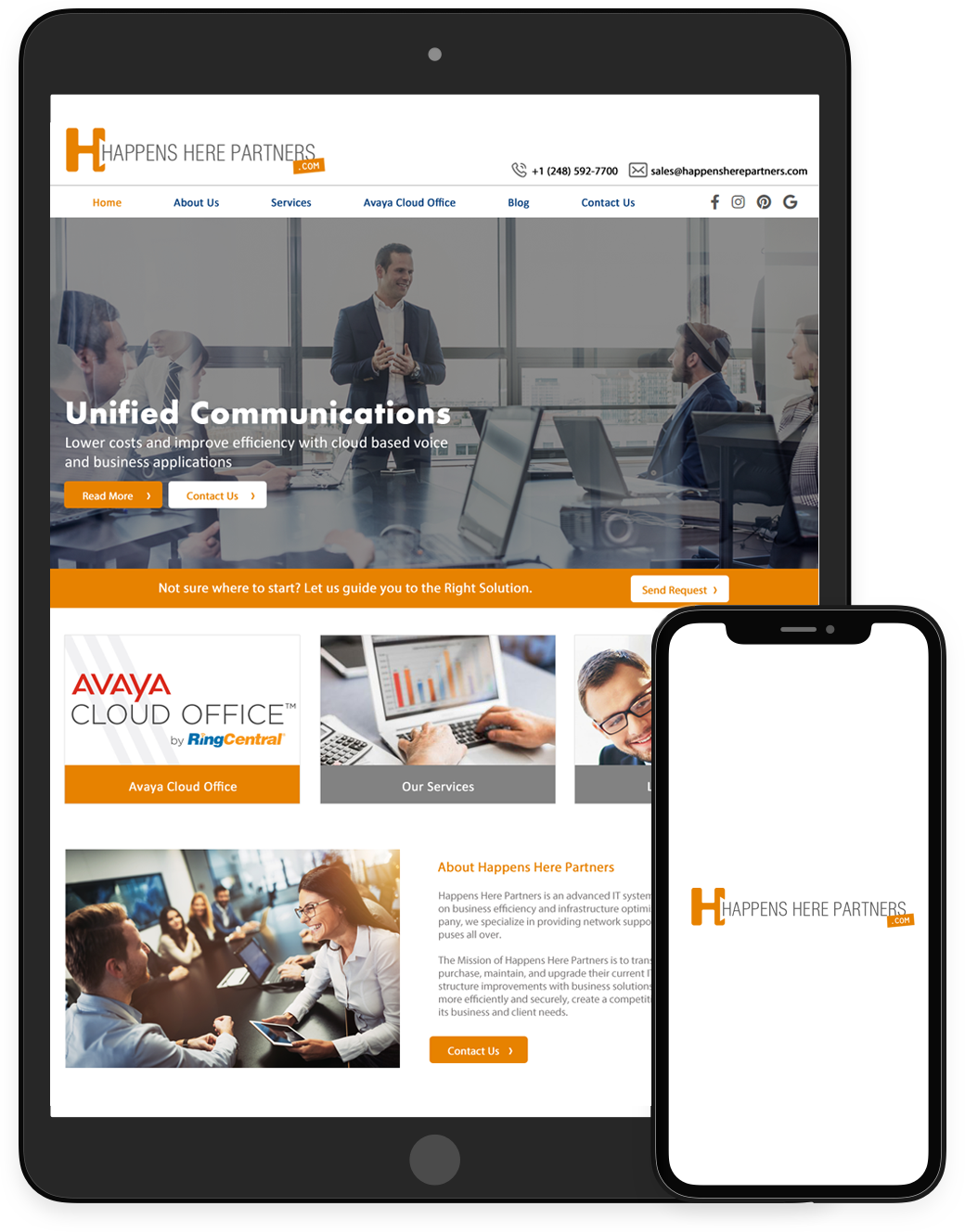
Happens Here Partners is an advanced IT systems integration company focused on business efficiency and infrastructure optimization. As a fully engaged company, we specialize in providing network support services to businesses and campuses all over.
The Mission of Happens Here Partners is to transform the way in which companies purchase, maintain, and upgrade their current IT equipment and provide IT infrastructure improvements with business solutions which help organizations run more efficiently and securely, create a competitive advantage, and scale to serve its business and client needs.
.png "Happens Here Partners")



 Sign in with LinkedIn